Switching to Odoo: from separate packages to one system
Your ERP and the packages around it, such as your CRM, webshop and accounting, come together in Odoo. Choose your current package, recognise where it pinches and see how Odoo solves it and what the switch involves.
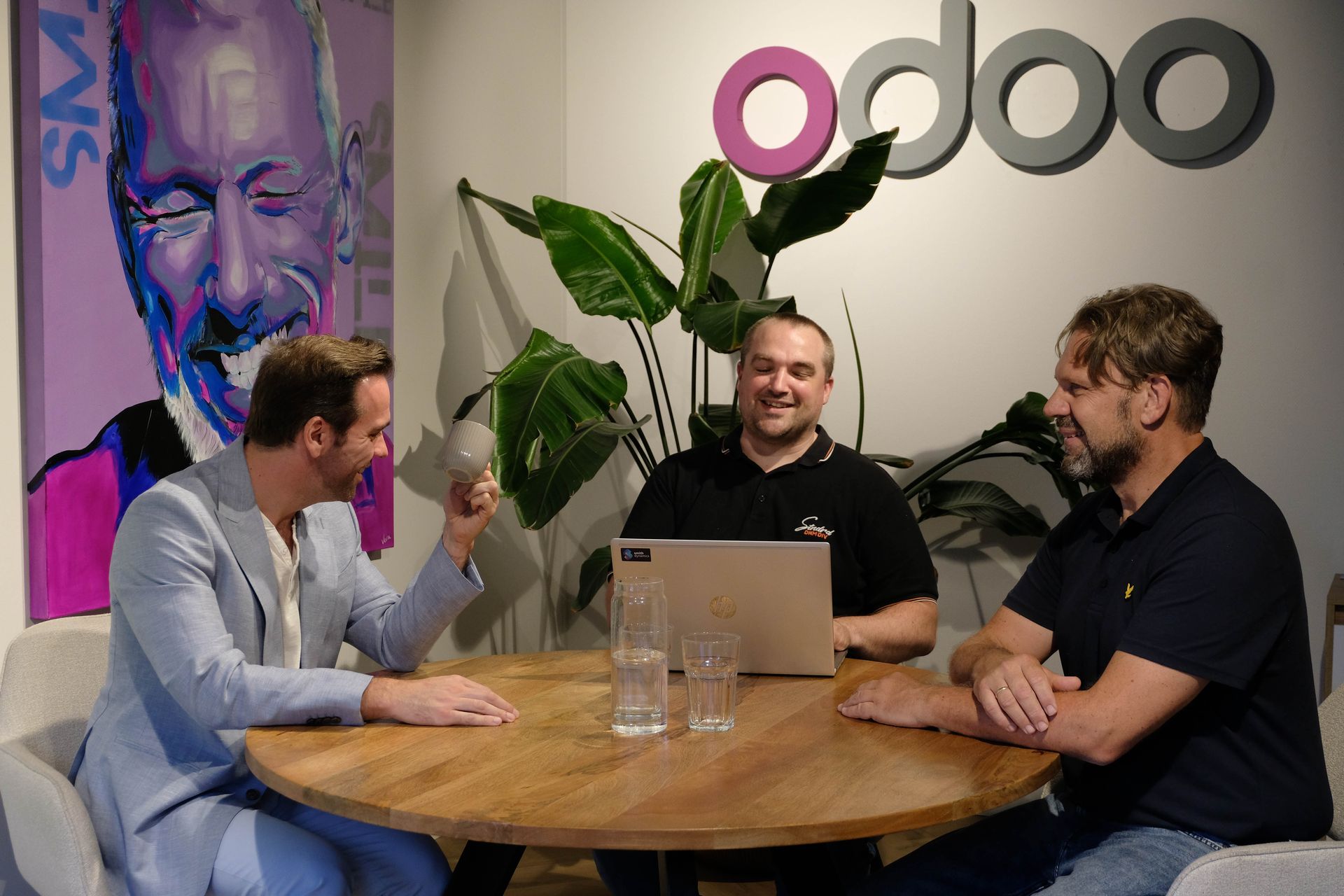
When you switch to Odoo, customers, suppliers, products, open items, stock and opening balances always come along, plus as much history as you want. We test everything in a trial migration first, so you can check the data before you switch. A free migration scan tells you how long the switch takes and what it involves.
Migrating from your ERP package: how Odoo solves it
Whichever package you use today, the frustrations are similar: separate packages, integrations that break and licences that keep adding up. Odoo solves that with one system for your whole company. Choose your package and see how.
Coming from Exact Globe, Online or Synergy
Sound familiar?
How Odoo solves it
Next to Exact you run separate packages for CRM, reporting and invoice processing, with integrations you have to maintain.
CRM, dashboards, invoice processing and accounting sit in one platform, on the same data.
As you grow, more modules and add-ons keep coming, and licence costs go up.
One price per user, without separate modules or different user types.
Globe, Online and Synergy do not feel like one system, and every department has its own piece.
One Odoo environment for all departments, available on any device.
What the switch involves
- We know Exact inside out: Kilurion has more than 25 years of experience as an Exact dealer.
- Journals, cost centres and relations from Synergy move to Odoo.
- Separate add-ons for CRM, reporting and invoice processing are no longer needed; Odoo does that itself.
Migrating from Microsoft Dynamics to Odoo
Sound familiar?
How Odoo solves it
Next to Business Central you need separate licences or packages for CRM, webshop or service.
CRM, webshop and helpdesk are part of Odoo, in the same subscription.
You still run NAV, and moving to Business Central is a new project anyway.
Invest that project once in a platform that already includes all the apps.
For users outside finance the system feels complex.
A modern interface that sales and warehouse staff quickly work with too.
What the switch involves
- Dimensions become analytic accounts, so reports per department or project keep working.
- We do not rebuild C/AL or AL customisations one to one; we set them up with standard Odoo or custom development.
Migrating from AFAS to Odoo
Sound familiar?
How Odoo solves it
AFAS is strong in your administration, but stock, purchasing and production are handled elsewhere.
Stock, purchasing, production and webshop work in the same system as your administration.
Every webshop or marketplace needs its own integration.
Odoo eCommerce is included, and integrations with Bol.com or Amazon, for example, are available.
You adapt your way of working to the package.
Thanks to its open design, you adapt Odoo to your processes.
What the switch involves
- Payroll stays in a payroll package such as Nmbrs; the payroll journal entries land in Odoo.
- We set up AFAS workflows again in Odoo, instead of rebuilding them one to one.
Migrating from SAP Business One to Odoo
Sound familiar?
How Odoo solves it
Licences and implementation are a considerable investment.
A transparent pricing model per user, with access to many apps.
Your webshop and CRM run separately from SAP.
Webshop, CRM and marketing are part of the same platform by default.
An extra report or field requires an SAP specialist.
You build reports, filters and dashboards in Odoo yourself, and add fields with Odoo Studio.
What the switch involves
- Products, warehouses, batches and serial numbers move to Odoo Inventory.
- We check that bill of materials levels and operations fit well in Odoo Manufacturing.
Migrating from Visma to Odoo
Sound familiar?
How Odoo solves it
Your finances are in order, but sales, stock and CRM run in separate packages.
One system for all your processes, from quote to booking.
You retype orders, deliveries and invoices from other systems.
Orders, deliveries and invoices are created in Odoo itself and booked automatically.
Colleagues outside finance find the system difficult.
An interface that sales and operations enjoy using too.
What the switch involves
- General ledger, cost centres and open items move to Odoo Accounting.
- We replace the separate packages for sales, stock and CRM with Odoo apps.
Migrating from Unit4 to Odoo
Sound familiar?
How Odoo solves it
Projects and hours run well, but stock, purchasing or sales do not fit in.
The whole value chain in one system: projects as well as stock, manufacturing and e-commerce.
For project margin and work in progress you export to Excel.
You see budget, hours and margin per project live in Odoo.
Every change requires a consultant and a long project.
You make many changes yourself with Odoo Studio, without programming.
What the switch involves
- Ongoing projects move over with their budget, hours to date and work in progress.
- Invoicing based on hours continues in Odoo without interruption.
Migrating from NetSuite to Odoo
Sound familiar?
How Odoo solves it
Every extra module, such as advanced inventory or planning, is an extra licence.
All Odoo apps fall under the same subscription; you switch on what you need.
You are tied to a single hosting option.
Your choice: Odoo Online, Odoo.sh or your own server.
Extra fields or screens require SuiteScript knowledge.
You adjust fields, screens and reports in Odoo yourself, without code.
What the switch involves
- Subsidiaries become companies in one Odoo database, with intercompany entries.
- Price levels per customer become pricelists in Odoo.
Migrating from Isah and Ridder iQ to Odoo
Sound familiar?
How Odoo solves it
Your production runs, but CRM, webshop and accounting are attached through integrations.
Manufacturing, sales, webshop and accounting in one system.
The shop floor works on paper or in a separate system.
Operators use the Shop Floor app on a tablet, directly in Odoo.
For post-calculation you gather figures from several places.
You see material and labour costs per manufacturing order directly in Odoo.
What the switch involves
- Bills of materials, operations and work centres move to Odoo Manufacturing.
- Machine connections run through MES or PLC, so the shop floor keeps working.
Companies that trust Kilurion


This is the software Odoo replaces
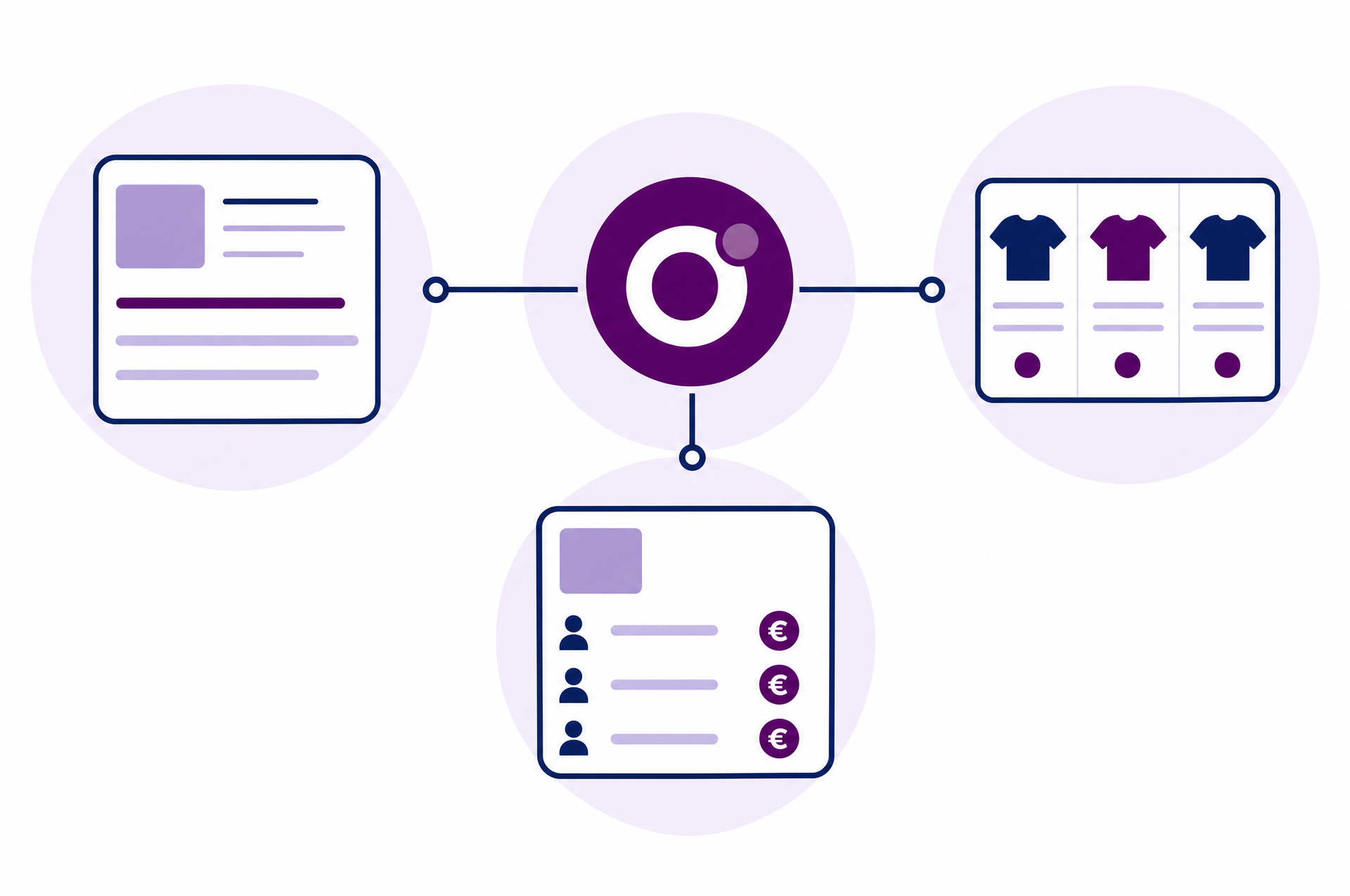
Around an ERP there are often separate packages for CRM, webshop and planning, with integrations in between. Odoo has its own app for each of those processes, on the same data. So when you switch, we replace those packages instead of integrating them again.
- Odoo Accounting
Accounting with stock, purchasing and sales in the same system, without export files in between.
Replaces: Twinfield, SnelStart, Moneybird, e-Boekhouden
- Odoo CRM and Sales
Opportunities, quotes and orders on the same customer as your invoices and deliveries.
Replaces: Teamleader, HubSpot, Salesforce
- Odoo eCommerce
A webshop with real-time stock, customer prices and orders that land directly in your administration.
Replaces: Shopify, WooCommerce, Magento, Lightspeed, CCV Shop
- Odoo Project, Planning and Helpdesk
Projects, hours, planning and tickets, with invoicing based on hours.
Replaces: Simplicate, Gripp, Zendesk, Freshdesk
- The Odoo app that fits the process
Lists and home-built databases become a regular Odoo app, with access rights and history.
Replaces: Excel, Access
Is your software not listed? Odoo has many more apps. We include it in the migration scan.
Switching to Odoo in five steps
Kilurion is an Odoo Silver Partner with more than 25 years of experience in a range of ERP packages. We know how your current package works and how your data lands properly in Odoo. Everything at once, in phases or with integrations to software that stays: we decide that together and record it in the blueprint.
- Step 1
Free migration scan
We map your packages, data and integrations.
- Step 2
Blueprint and route
We record your processes and choose together: everything at once, in phases or with integrations.
- Step 3
Setup and trial migration
We set up Odoo and move your data into a test environment, so you can check everything.
- Step 4
The switch
At a fixed moment, such as the start of a month or financial year, you go live.
- Step 5
After the switch
We stay involved with Odoo support and further development.
Odoo set up for your industry
When you switch, we set up Odoo for the processes of your industry right away, so you do not carry over your old way of working but adopt that of your sector.
ManufacturingFood industryTrading companiesDistribution companiesLogisticsRetail
Request a free migration scan
Tell us which packages you use today, even if yours is not listed above. In the scan we show what comes along, which Odoo apps take over, which route fits and how long the switch takes.

 You speak with a consultant from our team, which has more than 100 years of combined experience. Meet the team
- 43customer references at Odoo
- 95%customer retention
- 25+ yearsERP experience
References and customer retention according to our partner profile on odoo.com
Frequently asked questions about switching to Odoo
That depends on the number of packages, the amount of data and the integrations. In a free migration scan we make a plan for your situation.
Yes. Per package you choose how much history moves over: only open items and opening balances, summarised history, or the full transaction history. Old financial years remain accessible for the statutory retention period.
No. Everything at once is possible, and so are phases. Whatever has not moved yet, we connect to Odoo temporarily. We record the route that fits in the blueprint.
On the number of packages, the amount and quality of the data, the history you take along, the integrations and the custom development. See what an Odoo implementation costs.
Yes. For Odoo Enterprise the upgrade is included in your subscription. Custom modules must be adapted and tested per version. Read Odoo extends its support policy or see our Odoo support.
In five steps: a free migration scan, the blueprint with your route, a trial migration in which you check the data, the switch at a fixed moment and support after the switch.