ERP for logistics with control over every goods flow
From inbound goods to outbound shipments, we help you align logistics processes and business information in Odoo.
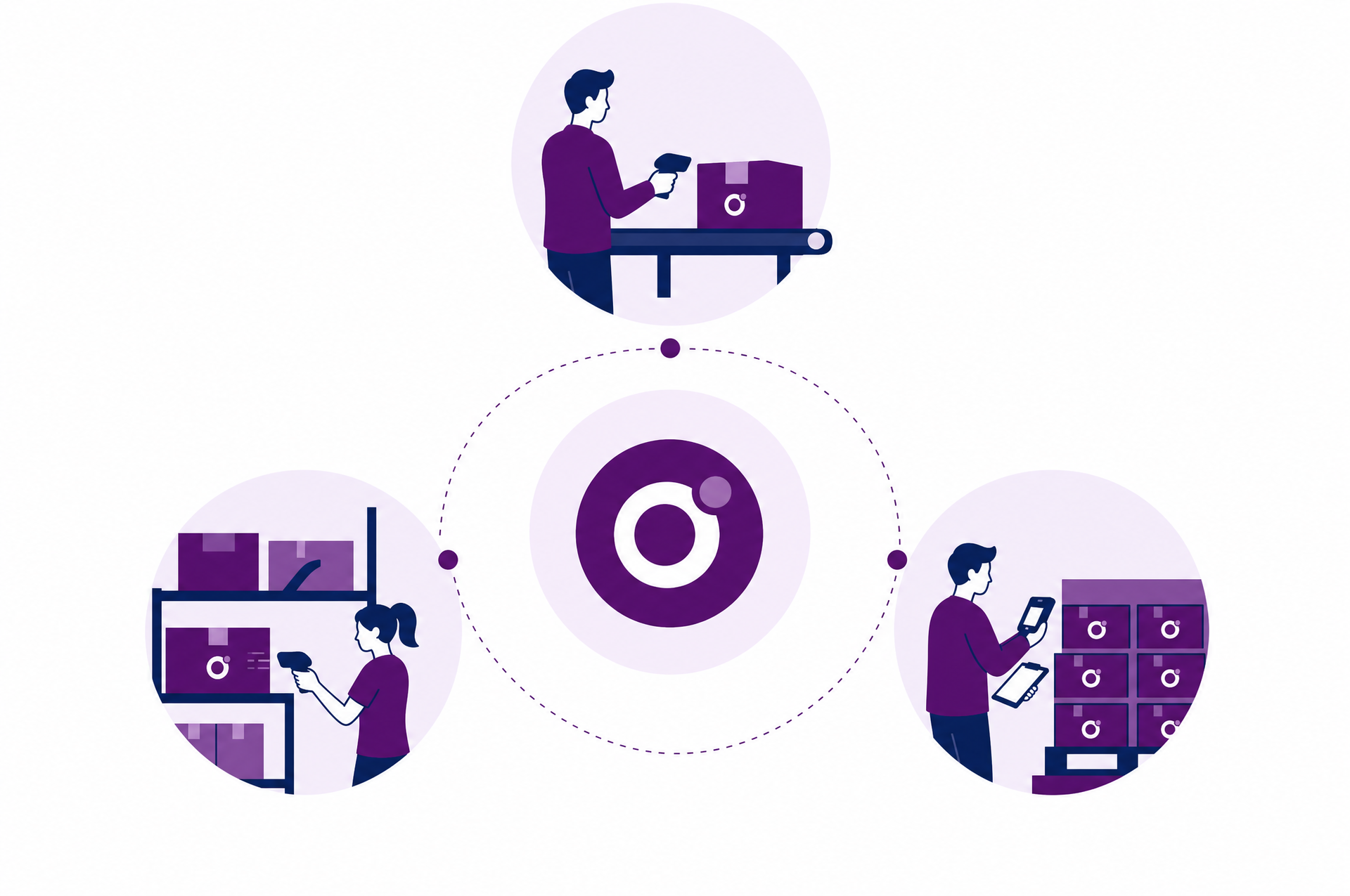
How Odoo supports logistics
Growth, multiple storage locations and changing order flows make it harder to coordinate inventory, planning and delivery.
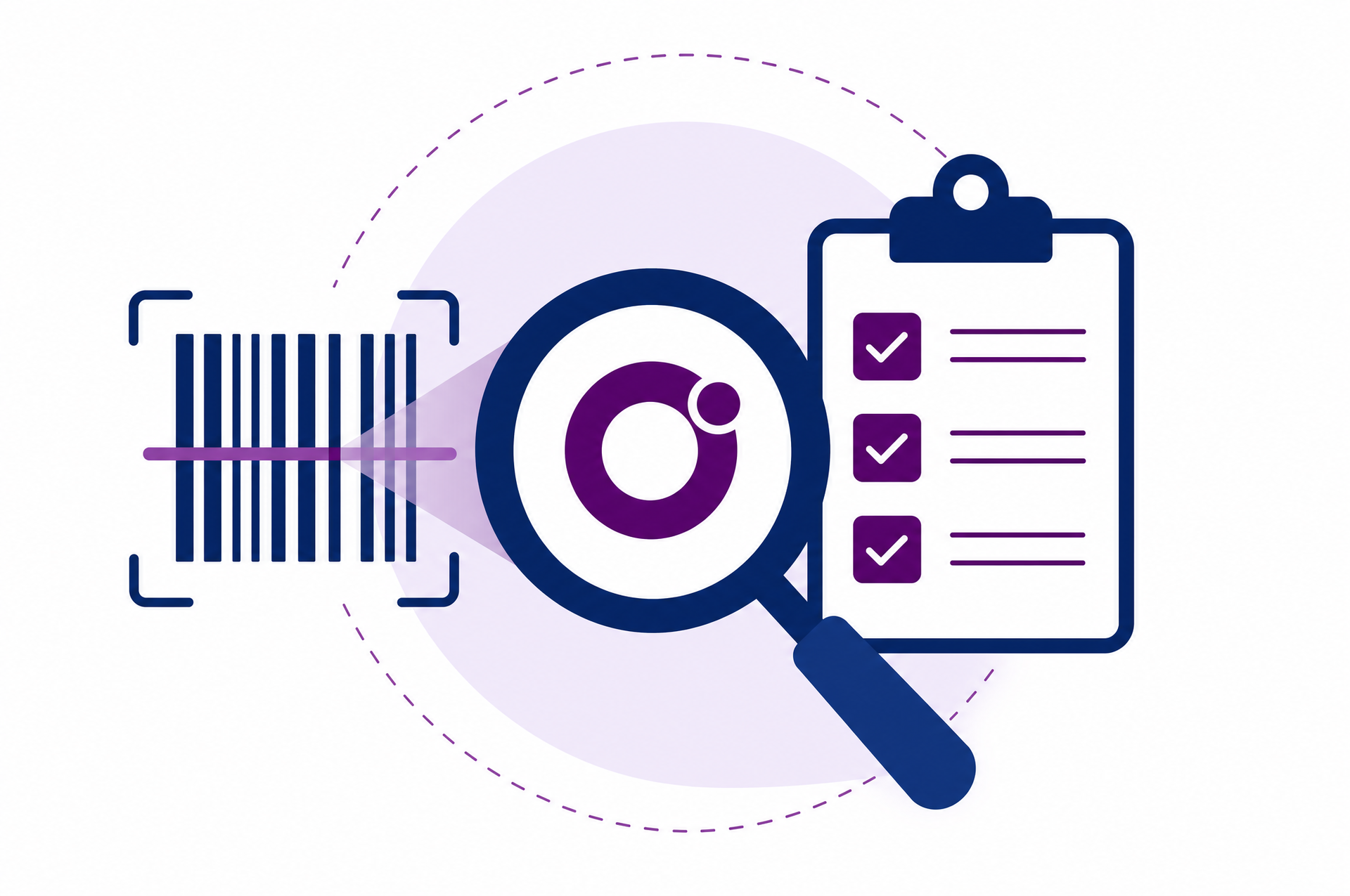
Accurate inventory that reflects what is really on hand
When stock levels and locations are tracked in separate lists or systems, records can differ from what is actually on hand. Odoo Inventory records receipts, transfers and deliveries in one inventory system by location. Together, we decide which steps should be scanned or confirmed so the records fit the way your warehouse works.
Enter information once and use it throughout the order chain
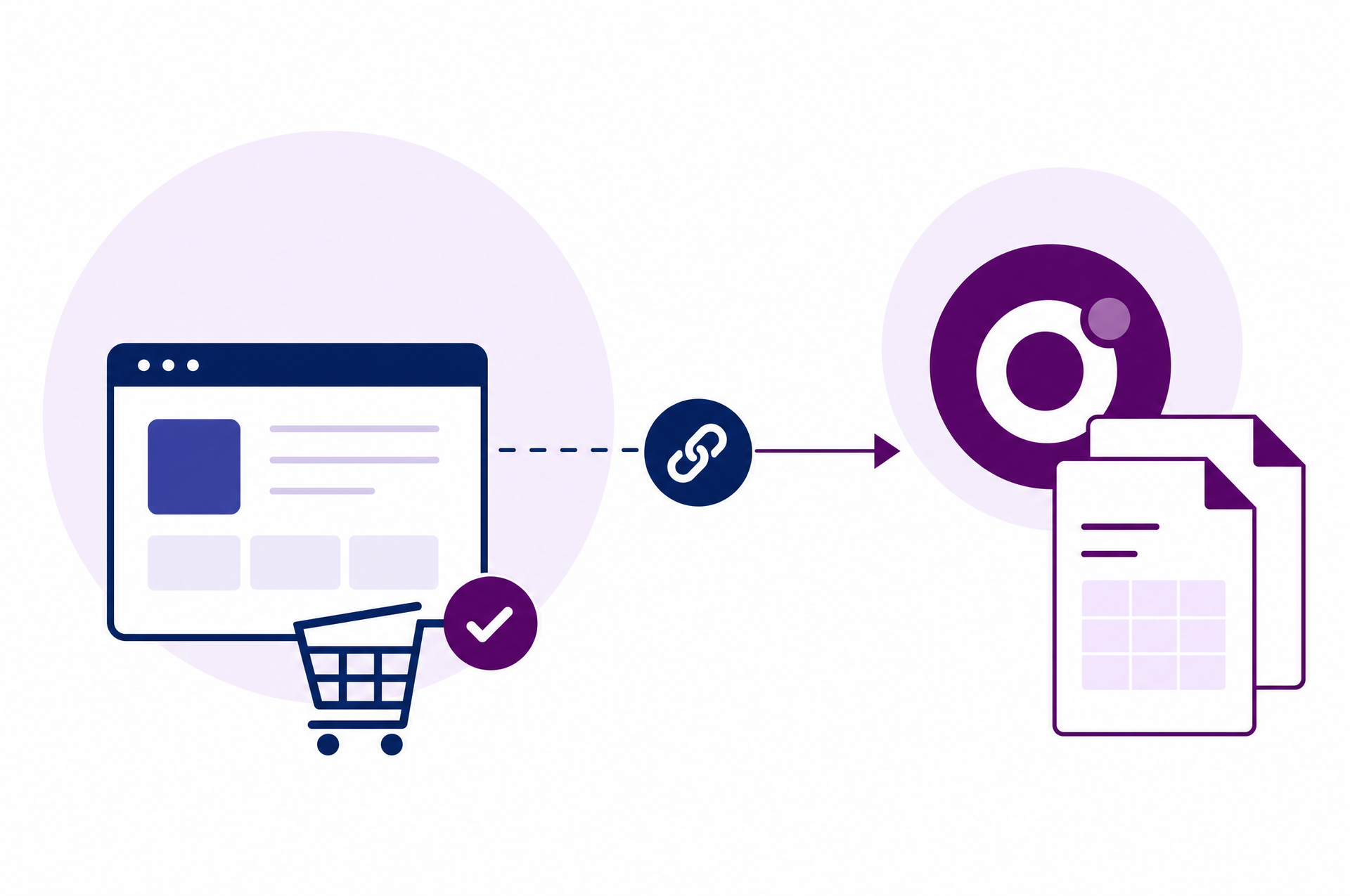
An order moves through purchasing, the warehouse and administration. Re-entering information in every department takes time and causes errors. In Odoo, sales, purchasing and delivery use the same order information. We identify where handoffs are manual and which steps can be connected in the setup.
See the status of every delivery at a glance
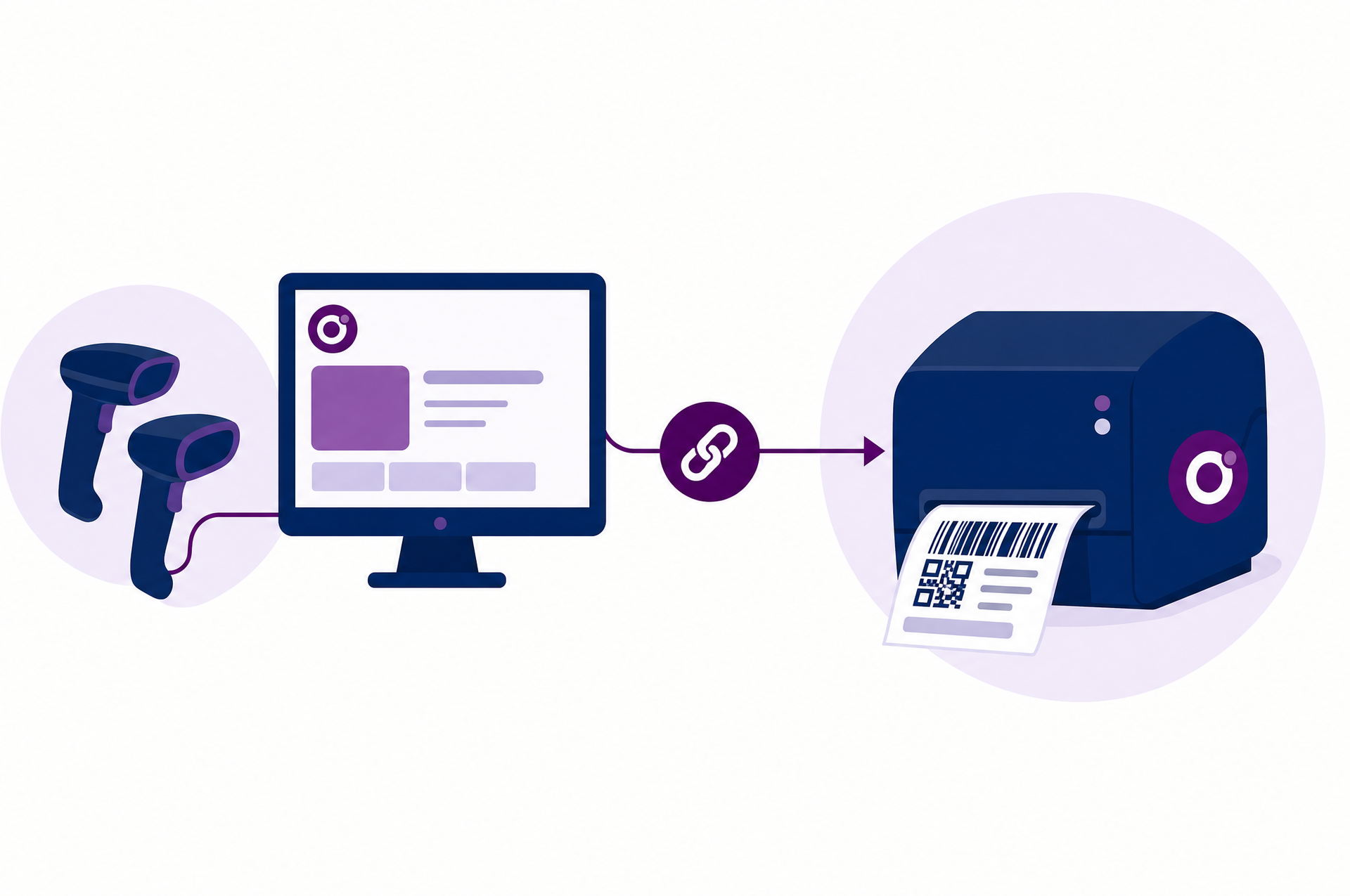
When a customer asks about a shipment, you need a quick answer. Odoo shows the picking, packing and shipping status for each order. We decide which exceptions to flag, such as shortages or delayed receipts, based on your processes. Transport planning and carrier integrations are assessed separately.
Why Odoo for logistics?
One connected inventory process
Odoo Inventory connects receipts, internal transfers and deliveries with purchasing and sales.
Fewer manual handoffs
Agreed order and inventory steps help reduce duplicate data entry.
Better visibility into exceptions
Operational overviews help flag inventory and order-processing exceptions.
Odoo capabilities for logistics
Transport planning, carrier integrations and specialized warehouse processes depend on the desired workflow, the systems in use and the Odoo version.
Receiving and delivery
Inventory by location
Order status visibility
Purchasing linked to inventory
How we work
1. We map your processes
We discuss your goals, bottlenecks, exceptions and the systems you already use.
2. We design the setup
We translate your way of working into Odoo apps, data flows and integrations where needed.
3. We configure and test
We configure the agreed solution and test it with scenarios drawn from your day-to-day work.
4. We support and improve
After go-live, we review what is working and which improvements add value.
Frequently asked questions about Odoo for logistics
It depends on the setup. Odoo Inventory connects receipts, internal transfers and deliveries with purchasing and sales. We first map your current processes and information needs, then determine which Odoo apps fit.
That depends on the systems in use, available interfaces and the data flows you need. We assess each situation before proposing an integration.
Not automatically. We first assess your processes and existing systems. Where specialized warehouse or transport functionality is needed, an integration or keeping the existing system may be the right fit.