Connect a Datalogic scanner to Odoo Barcode
Receiving goods, checking a location or picking an order: you want to scan the barcode and keep working. A suitable Datalogic scanner lets you use Odoo's barcode workflows on the shop floor. We help trading, distribution and manufacturing businesses align scanner settings with warehouse operations.
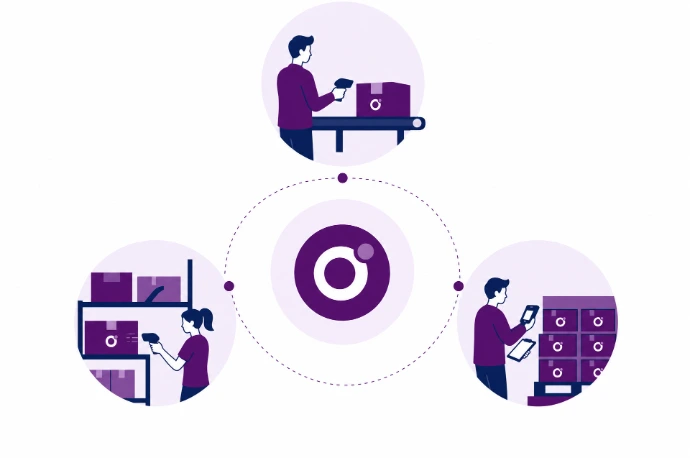
How does the Odoo Datalogic integration work?
An Odoo Datalogic integration lets a suitable Datalogic barcode scanner enter data into Odoo Inventory and Barcode. The scanner reads the code; Odoo identifies the relevant product, location or operation. Basic scanners can do this through keyboard input, without a separate data connection to the manufacturer.
Use Datalogic for receiving, order picking and stock counts
When receiving goods, you scan the product on the receipt. During picking, you check its product code against the open operation in Odoo. Stock counts use the same product identifiers. Available steps depend on your Odoo apps, permissions and warehouse configuration.
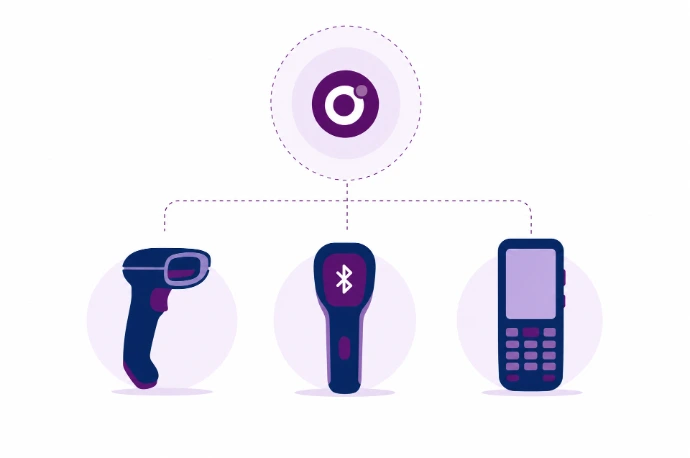
Choose a USB scanner, Bluetooth scanner or mobile terminal
A USB or Bluetooth scanner can send a code to a computer or tablet as keyboard input. A mobile terminal also needs its own screen and an operating system that runs Odoo properly. We therefore check the exact Datalogic model, browser, connection and scan settings. The keyboard layout and an Enter suffix also matter for correct scan processing.
Check product codes, lot numbers and GS1 scans
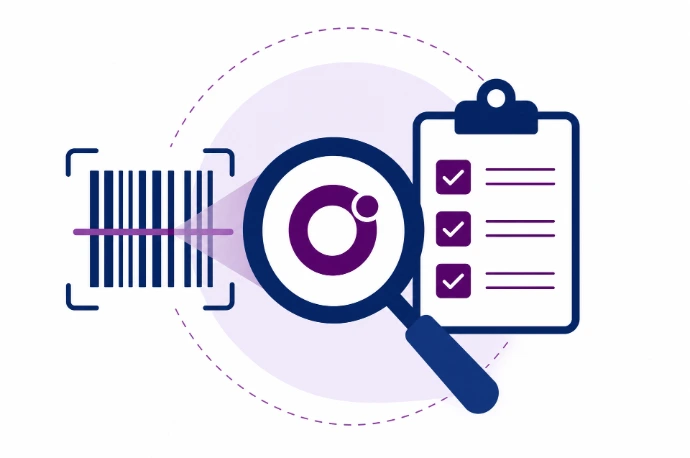
Barcodes can identify not only products but also locations, lots and serial numbers in your warehouse workflow. We define which data a scan captures when configuring Odoo. With GS1, a single barcode can contain several pieces of information.
What changes when receiving, picking and counting?
Less typing of product codes
The scanner enters the code it reads, so staff do not have to type long references repeatedly.
Checks within your warehouse workflow
Odoo processes the scan in the active receipt, picking operation or stock count.
A practical setup for your team
We choose the input method based on your tasks, available equipment and network, not the brand alone.
Frequently asked questions about Odoo and Datalogic
No. Compatibility cannot be determined by the brand alone. A suitable handheld scanner must send the correct input, while a mobile terminal must display Odoo properly. Kilurion checks the model, operating system, browser and settings before confirming compatibility.
A scanner that acts as a keyboard generally does not need a separate manufacturer API. A different application or more complex data exchange may require additional software. We choose the simplest suitable approach for your scanning workflow.
Yes, provided the codes are readable and Odoo is configured to track the relevant lots or serial numbers. For composite codes, we also check the barcode nomenclature. We test the complete recording workflow, not just whether the scanner can read a code.
A USB scanner can provide local input, but the Odoo workstation still needs a suitable connection. Do not assume mobile warehouse workflows support offline processing. We assess network coverage and behavior during connection loss as part of practical testing.
Yes. We start with the model and your current workflow. Based in Veenendaal, Kilurion helps businesses across the Netherlands make existing hardware work better with Odoo. Sometimes configuration changes are enough; in other cases, replacement equipment or additional development may be needed.