Odoo Mollie integration for online payments and reconciliation
Let customers pay online and connect those payments to the rest of your business. With an Odoo Mollie integration, Mollie handles payment processing while Odoo brings sales, invoicing and accounting together. We help you configure both the checkout and the processing that follows.


How does the Odoo Mollie integration work?
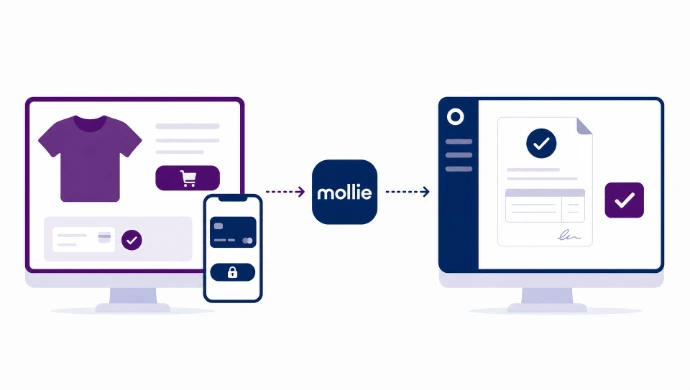
Match online payments to the right Odoo order
In an Odoo online store, each payment needs to be linked to the correct order. The payment methods shown to customers depend on factors including your Mollie account, the integration, country and currency. We align the payment setup with your sales workflow: when is the order confirmed, when is the invoice created and when can the warehouse dispatch the goods?
Reconcile Mollie payouts, transaction fees and refunds
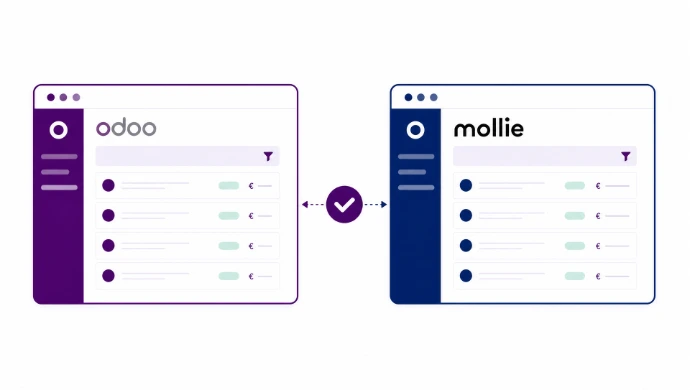
Mollie can combine several transactions into a single payout. Fees, refunds and other adjustments can affect the amount received. Recording only the bank receipt is therefore not enough to explain which invoices have been paid and which amounts are still held by Mollie.
Other integration partners





Frequently asked questions about Odoo and Mollie
Odoo Online offers different extension options from Odoo.sh or a self-hosted environment. We therefore start with the functionality you need, rather than installing as many modules as possible. We use standard functionality where it meets your requirements and assess additional modules or custom development only for specific gaps.
Mollie lists iDEAL | Wero and Bancontact within its payment platform. Whether a method appears in your Odoo checkout also depends on your account, the transaction and the Odoo integration used. Check the current names and availability in the documentation and your test environment; a platform feature is not automatically supported by every module.
Mollie also offers solutions for in-person payments with Odoo. This is a separate integration requirement: the online payment provider does not automatically connect your point of sale to a payment terminal. Module compatibility and supported hardware need to be checked separately.
Do not assume so. Online payment processing and financial synchronization are separate functions. Check whether the selected module retrieves fees and refunds and how these are posted in Odoo. The clearing account must then reconcile with the Mollie statement and the payout received in your bank account.