Odoo RouteLogic integration for delivery routes
Your orders and warehouse workflow are in Odoo. Your delivery planner needs usable stops and routes in RouteLogic. Kilurion connects these steps, so you do not have to re-enter agreed delivery details and your delivery planning stays connected to the orders being prepared in the warehouse.

How do Odoo and RouteLogic work together?
The Odoo RouteLogic integration turns stock transfers into planning tasks for delivery, supplier pickup or pickup and delivery. Sales, purchase and dropshipping modules link these transfers to their source orders. RouteLogic returns route details and delivery information to Odoo, keeping warehouse preparation connected to delivery planning.
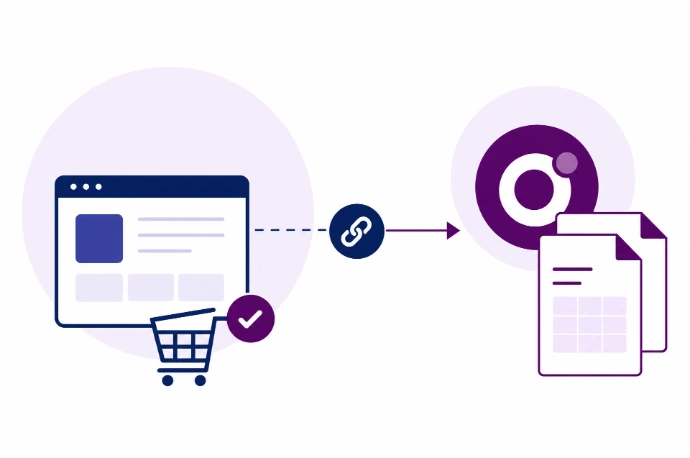
Turn Odoo deliveries into usable planning tasks
The stock transfer is the starting point. Send manually or configure each operation type to send on confirmation or when ready. Addresses, references, time windows, product lines and configured capacity data go to RouteLogic. Changes to open transfers are synchronised. We align release with your warehouse workflow so planning reflects goods preparation.
Connect delivery feedback to the right Odoo delivery
RouteLogic can return routes, vehicles, drivers, stop order, delivery status, ETA and driver notes to the Odoo transfer. Depending on configuration, available proof-of-delivery documents, photos and a signature are also retrieved. A failed delivery can create a follow-up activity. This feedback does not automatically validate the stock transfer.
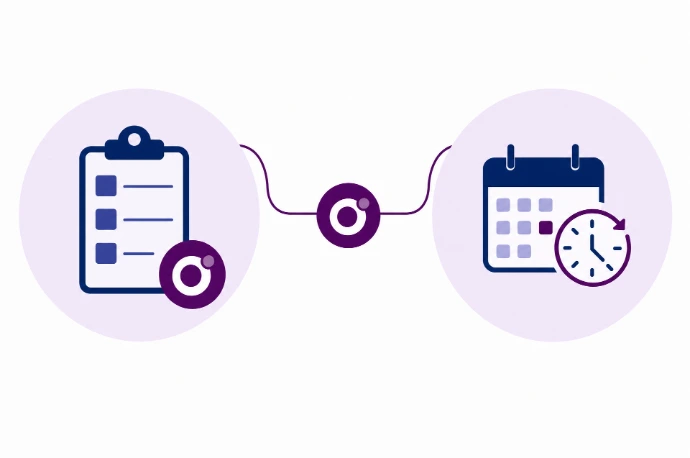
Connect warehouse preparation to delivery planning
Plan from agreed delivery data
Send the agreed address and reference from Odoo rather than re-entering the same delivery details.
Keep warehouse readiness visible
A defined release moment helps separate orders still being prepared from deliveries ready for planning.
Recognisable delivery feedback
View route details, delivery status and ETA on the right transfer, with optional available proof-of-delivery documents.
Test the exceptions in your delivery workflow
Before release, we test the chosen export triggers, partial deliveries, changes and failed delivery attempts in your environment. We configure the job runner, webhooks and required document imports, and confirm who handles errors. Available RouteLogic data, API access and your Odoo configuration determine which functions you can use.
Do you want Odoo stock transfers handled as transport orders in NextUp? Explore the Odoo NextUp TMS integration for transport management.



Frequently asked questions about Odoo and RouteLogic
RouteLogic focuses on delivery planning and execution, with route planning, a driver app and customer Track & Trace. Odoo supports your agreed sales, warehouse and administrative processes. The integration connects the handover between those roles.
The connector starts from an Odoo stock transfer, not directly from an arbitrary sales order. The sales module adds the source sales-order relationship and references. Sending can be manual, on confirmation or when the transfer is ready, depending on configuration.
Yes. The connector processes delivery statuses, ETA and other route and execution information through webhooks. Available proof-of-delivery documents, photos and a signature can be retrieved for the correct stock transfer after configuration. We test which data your RouteLogic environment provides.
No. The connector stores delivery feedback without automatically validating the Odoo stock transfer. A delivery status and a stock movement are different things. Any additional automation requires separate configuration and testing.
You need suitable access to both systems and a defined delivery workflow. We review the available API, required fields and exception handling before proposing the scope. Any provider subscriptions or API conditions are checked separately.