Odoo NextUp TMS integration for transport management
Do you prepare shipments in Odoo and plan them in NextUp TMS? Kilurion connects your stock transfers to transport orders in NextUp. Customers, loading and unloading addresses and cargo details travel with the order, while planning and optional execution information return to the corresponding transfer in Odoo.

What does the connection between Odoo and NextUp TMS do?
The Odoo NextUp TMS integration creates transport orders from Odoo stock transfers. You can send manually or configure automatic export on confirmation or goods availability. The integration receives planning updates through webhooks. Execution statuses and transport documents can also be received after configuration. Financial synchronisation and automatic invoicing are not part of this connector.
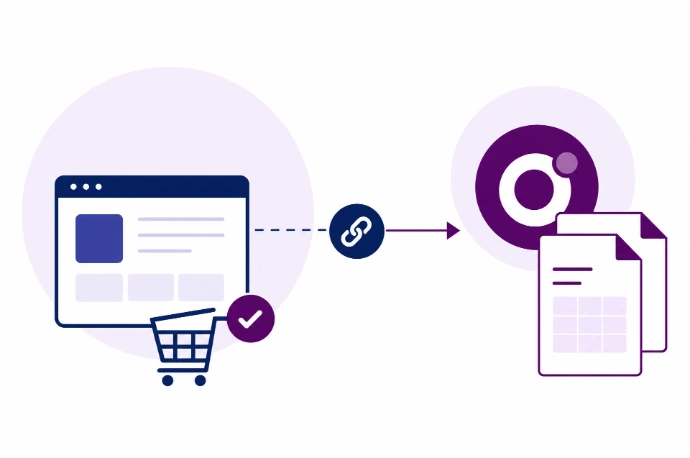
Connect transport orders to the right customer and reference
From a stock transfer, Odoo sends the customer, loading and unloading locations, appointment windows and cargo details to NextUp. The integration looks up or creates the required customer and locations. Packages and product rows describe the goods to be transported. Optional sales and purchase modules also include order numbers and customer or supplier references; native dropshipping is supported too.
View planning and transport execution in Odoo
NextUp can report planning changes against the correct loading or unloading activity on the Odoo transfer. When enabled, Odoo also receives execution statuses, reported problems and available PDF or image documents. This information remains separate from stock processing: a completed activity does not automatically mean successful delivery or a validated stock transfer.
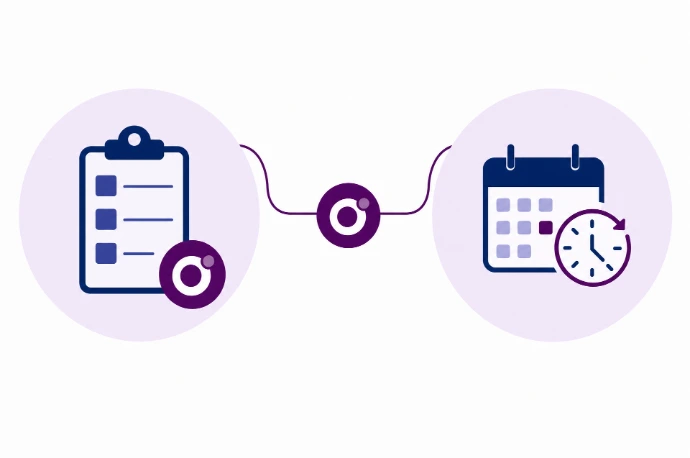
Keep transport orders and execution together
Keep your TMS workflow
Prepare transport details in Odoo while planners continue managing transport in NextUp.
Recognisable transport references
Consistent customer and order identifiers help the office find the record that belongs to a transport assignment.
Execution information on the transfer
View returned planning information and, when enabled, execution statuses and transport documents on the corresponding stock transfer.
Define the handover before connecting the systems
We configure export triggers, cargo handling and the required feedback, then test them in your Odoo and NextUp environment. Orders already sent are not automatically amended. An uncertain export outcome requires checking NextUp before resending. Feedback is event-driven; there is no periodic reconciliation to automatically retrieve missed notifications.
Do you mainly want to plan Odoo deliveries as stops on delivery routes? Explore the Odoo RouteLogic integration for delivery routes.
Other Odoo integrations



Frequently asked questions about Odoo and NextUp TMS
No. This page is about connecting the two systems. NextUp remains the transport-management environment; we agree which administrative and business processes belong in Odoo.
Odoo sends transport orders with customers, loading and unloading locations, appointment windows and cargo details to NextUp. Planning returns through webhooks. Execution statuses and transport documents can be enabled separately. Optional modules include sales and purchase references. Financial data are not synchronised.
No. The connector does not create invoices or synchronise rates, surcharges or VAT. The optional invoice module makes transport documents accessible from related Odoo sales invoices; this is not invoicing automation.
Exports run through background jobs, either manually or after a configured process trigger. Feedback arrives through NextUp webhooks and is also processed in the background. There is no fixed real-time guarantee or periodic polling. An active job runner and correctly configured webhooks are required.
The scope depends on the data, interfaces and business rules required. We first review your process and then prepare a proposal. Software subscriptions or provider-side API access may require separate arrangements.