Odoo App4Sales integration for B2B orders
Your sales representative takes an order at the customer's premises, while the office processes it further in Odoo. An App4Sales integration can connect these steps. We help wholesalers and distribution businesses in the Netherlands carefully align catalog data, customer agreements and order processing between the two systems.

How does the Odoo App4Sales integration work?
An Odoo App4Sales integration exchanges agreed sales data between Odoo and App4Sales. App4Sales offers a B2B sales app and online store. Odoo manages the underlying information and records. We define which customers, products, prices and orders are exchanged based on your App4Sales environment, interfaces and Odoo configuration.
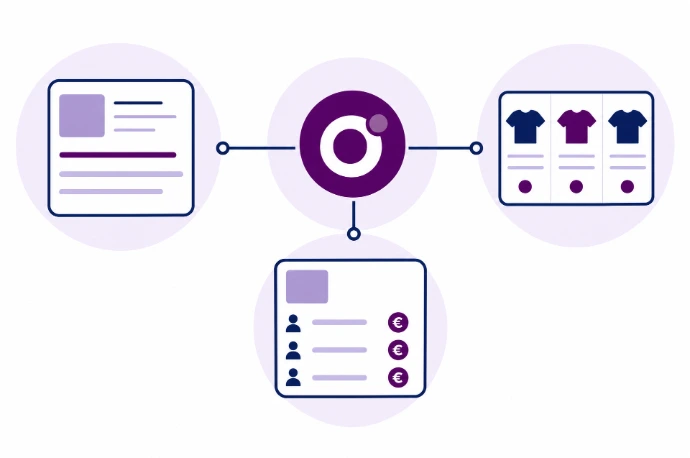
Product data, variants and customer-specific prices
Sales representatives need identifiable products, selling prices and customer details. For each data type, we define the source of truth and how variants, packaging units and inactive products are handled. An Odoo price list does not necessarily follow the same logic as a sales-app price. We therefore also check customer agreements, quantity-based pricing and VAT display before releasing the catalog.
Process App4Sales orders as quotations or sales orders in Odoo
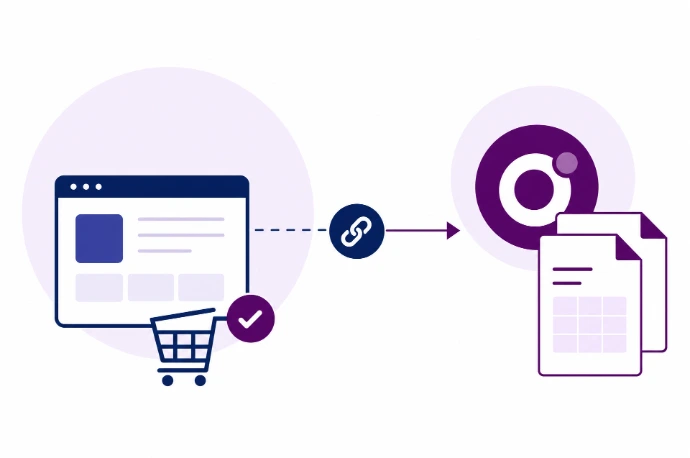
When orders are sent back, the customer, product reference, quantities and delivery address must match. We agree whether incoming orders are first created as quotations for review or can move directly to the next step. Order references and preventing duplicate entries are also part of this. A successful synchronization is only useful if the order details in Odoo are correct.
Define stock availability and synchronization frequency
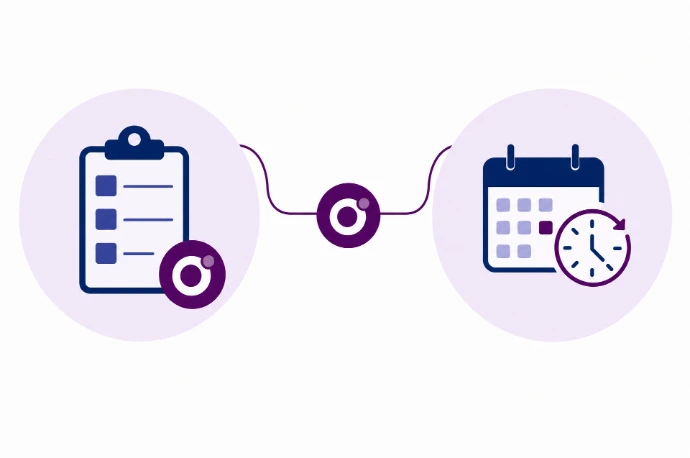
Want to display stock in App4Sales? We first define whether this means physical stock, unreserved stock or another measure of availability. We then select a suitable update schedule. Periodic synchronization is not a real-time stock guarantee. If a failure occurs, failed messages must be visible and safe to reprocess without creating the same order twice.
Align customer records, catalogs and sales orders
Less re-entry of orders at the office
Approved orders can be sent to Odoo under agreed rules without re-entering the order lines.
Clear ownership of sales data
Customer references, products and pricing have a defined source and a consistent mapping between systems.
Handle exceptions visibly
Unrecognized products, missing addresses and failed synchronizations follow an agreed review and recovery process.
Which data flow from Odoo to App4Sales and back?
Products and variants
Customers and delivery addresses
Prices and discounts
Availability
Orders
Other integration partners





Frequently asked questions about Odoo and App4Sales
Possible data include customers, products, pricing and sales orders. Stock availability or additional fields require a separate interface assessment. Exact field mappings and data directions are agreed in advance; not every capability is included as standard.
Yes, provided your configuration and interface support it. We define which fields come from Odoo and which data are managed in App4Sales. This prevents changes in one system from unintentionally overwriting changes in the other.
This depends on Odoo's pricing rules and the capabilities of your App4Sales environment. We assess price lists, discounts, units and any quantity-based pricing separately. Using sample orders, we check that the price shown to the representative matches the final order in Odoo.
Not necessarily. An order can first be created as a draft or quotation in Odoo for review. We align the next steps with your credit checks, inventory workflow and internal agreements. Automatic confirmation is configured only where appropriate and explicitly agreed.
Costs depend on the available interface, data flows and required checks. Kilurion prepares a proposal for your situation. Licenses, maintenance and any recurring costs for the systems involved are also discussed in advance, rather than suggesting a fixed price that may not fit your scope.
No. Displaying stock is not the same as reserving it in Odoo. Order processing and your Odoo rules determine whether and when stock is reserved. You also need to define how to handle availability changes during a customer visit.