Connect a SATO label printer to Odoo
A product label, box label or lot identifier needs to contain the right data and be printed in the right place. Do you use SATO label printers? We help you connect printing to your Odoo workflow. We focus on the practical needs of manufacturers, wholesalers and warehouses, using your existing printer and label media as the starting point.

How does the Odoo SATO integration work?
An Odoo SATO integration sends data from Odoo to a suitable SATO label printer. This requires an appropriate printer language, label layout and printing connection. For each model, we assess whether an existing approach is sufficient or whether an additional connector or custom development is needed.
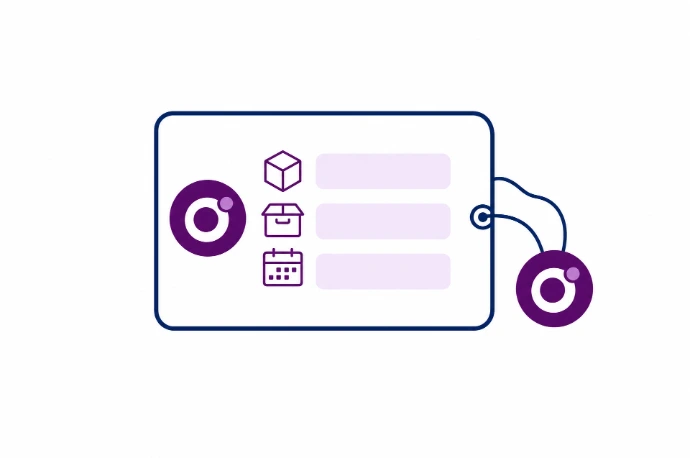
Choose the product, lot and date fields for your label
Examples include a product reference, description, lot number or expiration date already recorded in Odoo. We define which fields belong on the label and when they become available. A manufacturing label may need to be printed at a different stage from a shipping label. We also define the number of labels required and who is allowed to start printing.
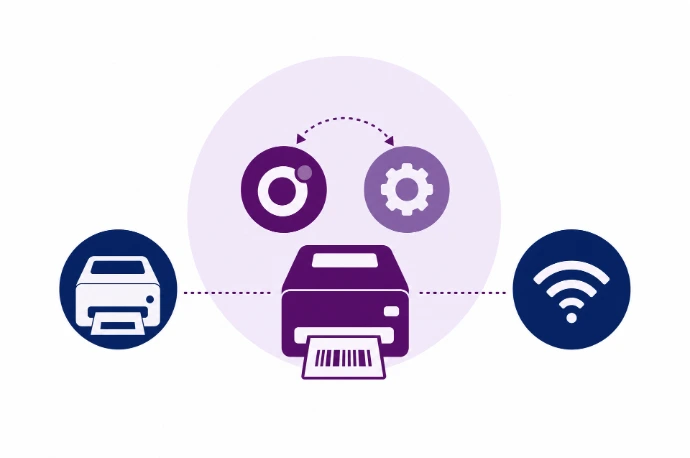
Check the SATO printer language, emulation and connection
SATO offers a range of printer models and options. Supported printer languages and any emulation depend on the device and configuration. A label file for another printer is therefore not interchangeable without testing. We check the connection, resolution, label dimensions and media, then select the technical approach and test the layout and barcode on your printer.
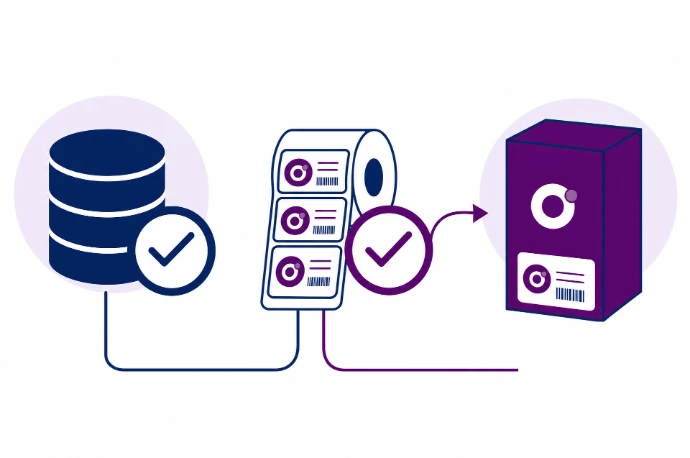
Reprint using the correct lot and label version
If a label is damaged, it must be clear which data should be reused. A reprint must not inadvertently suggest a new lot or show an outdated product value. We therefore include the print trigger, source record and reprinting procedure in the design. For GS1 identifiers or industry conventions, we also check code structure and readability.
Put product and lot data from Odoo on your labels
Fewer separate label files
Use agreed source fields from Odoo so product and lot data do not have to be re-entered for every print run.
A label that fits your workflow
The layout is matched to the dimensions, data, reading distance and scanner that will read the label.
Control printing and reprinting
Staff follow a consistent procedure for label quantities, lot selection and reprinting.



Frequently asked questions about Odoo and SATO
No. Support needs to be established for each printer model and technical approach. We assess the active printer language, connection and available software. Only after a test print do we confirm a workable configuration and whether additional development is needed.
Your existing layout can be a useful starting point. We need its source files, printer settings and examples. Data fields then need to be connected to Odoo. Even a visually identical label must still be tested for barcode readability and correct content.
This can be part of the solution if Odoo manages the lot data and the chosen printing method makes them available. We define the record used to trigger printing and the date or lot fields required. The exact behavior is tested against your manufacturing or warehouse workflow.
This depends on the model and the emulation available and configured. We do not assume printer languages are fully interchangeable. Kilurion reviews your device documentation and tests actual output before reusing an existing ZPL layout.
Kilurion can assess the data flow and printing approach for your Odoo labeling workflow. Mandatory content and any industry or legal requirements need a separate review. A working integration is not a statement that a label complies with all food legislation or GS1 conventions.