Connect an Epson receipt printer to Odoo Point of Sale
A sale is only complete when the printed receipt is right too. Do you use Epson equipment at a service counter, collection point or shop? We help you connect a suitable Epson receipt printer to Odoo Point of Sale. We assess your device, network and sales workflow so the printer fits the way your team works.

How does the Odoo Epson integration work?
An Odoo Epson integration connects a suitable Epson printer to a printing workflow in Odoo, such as printing a sales receipt. Depending on the model, a supported ePOS connection or an IoT system may provide a suitable approach.
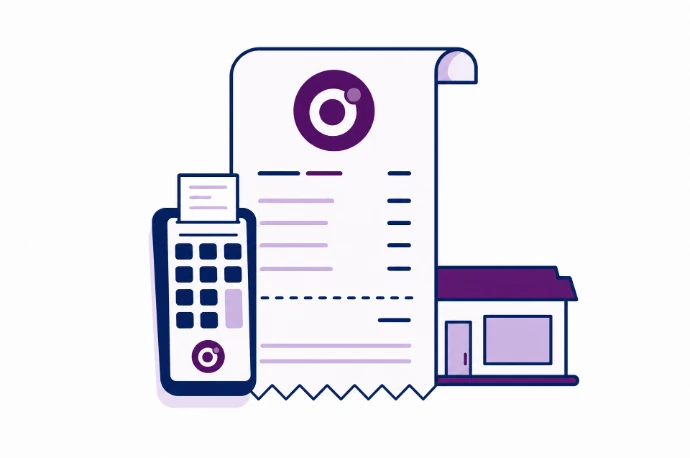
Receipts with sales and company details
At the point of sale, receipts need to show the correct items, amounts and company details. We align the receipt layout with your Odoo company setup and paper size. We also agree when staff print a receipt and how reprints are identified. The printer handles output; sales records and tax settings remain in Odoo.
Connect an Epson ePOS printer directly or through IoT
Odoo documents direct ePOS connections for certain Epson receipt printers and connections through an IoT system. The choice depends on factors including the network interface and support for your model. We check connectivity, the workstation used and the requirements for a secure connection.
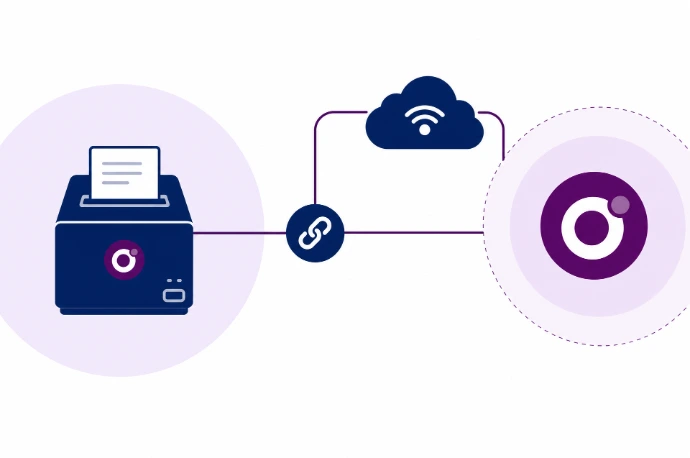
Print receipts from your Odoo sales
Receipts from the same sales records
Use transaction data from Odoo instead of a separate system to create receipts.
A suitable connection
We select a supported approach based on the exact printer model, interfaces and your network.
Clear steps at the counter
Staff know how to print, reprint and recognize common printer problems.

Frequently asked questions about Odoo and Epson
No. Printer type, protocol and interfaces determine suitability for receipts. Odoo documents compatible ePOS printers and an IoT approach, with exceptions for certain models. Share the exact model number so Kilurion can assess compatibility.
For supported ePOS models, a direct network connection to Odoo Point of Sale may be possible. This is not a feature of all Epson printers. We check current support and network requirements for your device and Odoo version before choosing this approach.
The output can be adapted to your sales workflow and the capabilities of Odoo and the printer, including company details and the presentation of line items. Extensive changes may require custom development. We test the output on the actual paper size.
This needs a separate assessment. A receipt and an A4 report have different format, layout and printing requirements. We do not assume a printer that works well at the point of sale is suitable for other documents without testing it.
Yes. Based in Veenendaal, Kilurion helps businesses in the Netherlands connect hardware to Odoo. We assess your existing Epson printer and sales-counter workflow. You receive clear information in advance about the components, configuration and any limitations.
Not according to the Odoo 19 receipt-printer documentation reviewed: Bluetooth printers are not supported there. Suitable network ePOS printers and IoT connections have different requirements. Have the exact device specification checked before ordering.